ODM Children’s CPR Training Simulator Product, Products

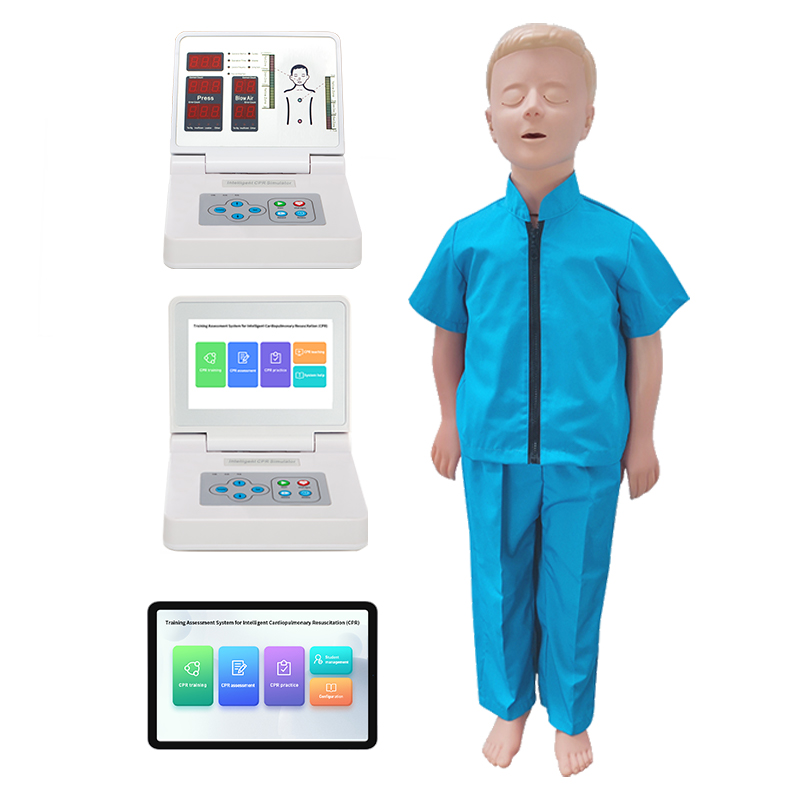
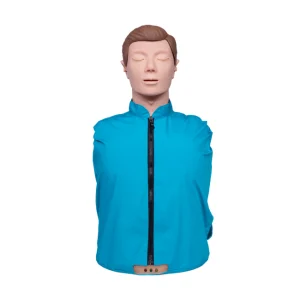
Cardiopulmonary resuscitation simulator is a first-aid training model developed based on the latest International Cardiopulmonary Resuscitation (CPR)&Emergency  Cardiovascular Care (ECC) Guideline Standards of American Heart Association(AHA).
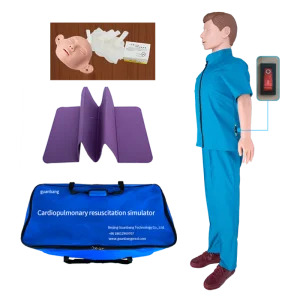
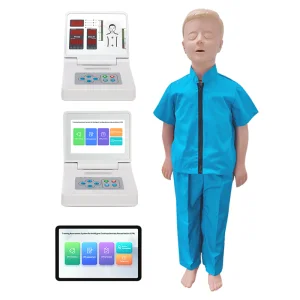
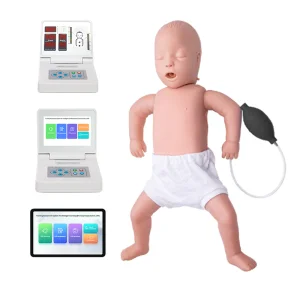
Our product lineup includes infant, child, and adult series. There are many different types of Children’s CPR simulators, such as the basic CPR simulator, digital display CPR simulator, color touch-screen CPR simulator, and software CPR simulator. We also offer customization services to accommodate specific requirements.

Product Description

Configuration Details

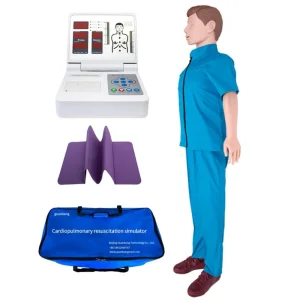
Basic Configuration

Functional Overview
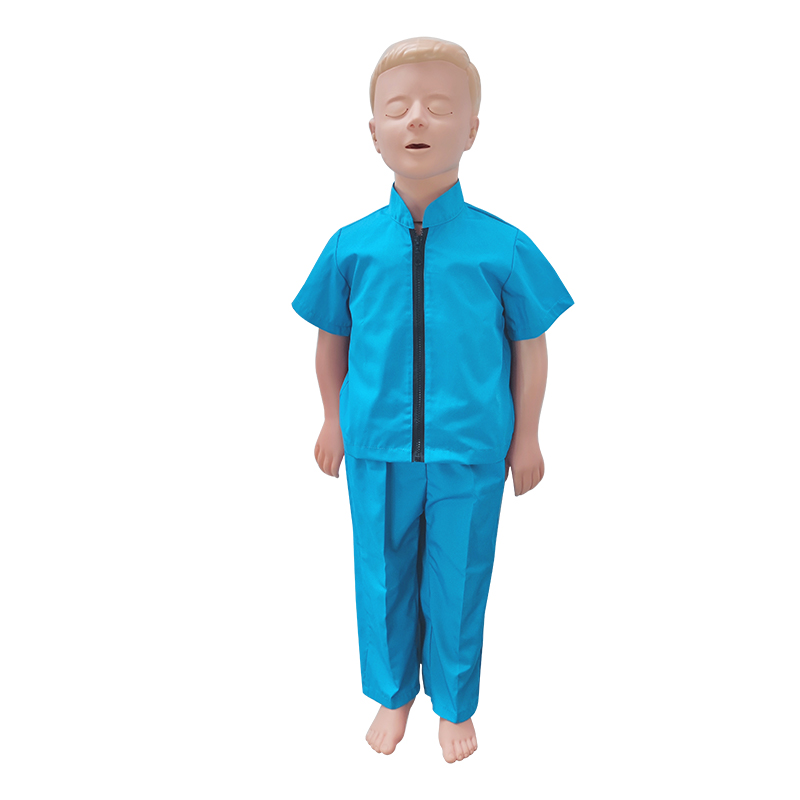
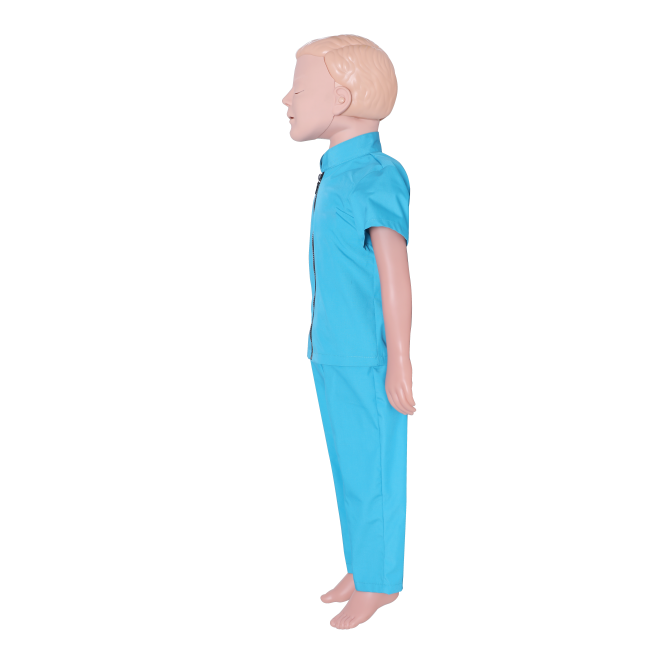
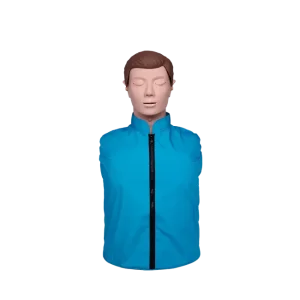
  • Realistic form with clearly defined anatomical landmarks for easy operational positioning (Knee joint movable).
  • Facial, neck, and chest skin utilize environmentally-friendly thermoplastic elastomer composite materials.
  • Realistic head and neck assembly with lateral head rotation capability (rotates horizontally 180 degrees to facilitate oral foreign body clearance).
  • Chest compression training supported (correct depth 5 cm, rate 100-120 compressions/min at lower half of sternum) with realistic tactile feedback and full chest recoil.
  • Airway opening procedures can be performed through correct head tilt-chin lift maneuvers.
  • Artificial ventilation practice conducted through mouth-to-mouth or bag-mask methods, with visible chest rise.
  • Eyelids can be opened for pupil observation: one pupil dilated (critical life-threatening condition) and one pupil small (successful resuscitation).

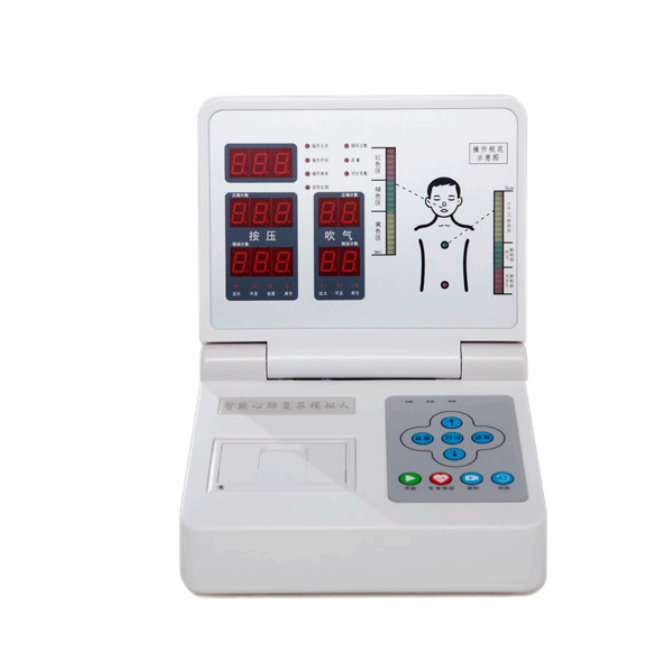
Digital Display

Functional Overview
  • Three modes of cardiopulmonary resuscitation: training, assessment, and scenario.
  • Digital counting and electronic monitoring with real-time feedback.
  • Strip light real-time feedback of pressing and blowing results.
  • External chest compression, artificial respiration, and simulated airway opening.
  • Automatic pupil zoom, voice prompts, and vital signs simulation.
Simulated Vital Signs:
  1. Initial state: Simulator pupils dilated, no carotid pulse.
  2. During compression: Simulator carotid artery passive pulsation, frequency consistent with compression frequency.
  3. After successful resuscitation: Simulator pupils automatically constrict, carotid artery spontaneous pulsation.
Printable Performance Reports (Supported on print-enabled models only): includes evaluation, operational mode, correct/incorrect ventilation and compression counts, compression-to-ventilation ratio, accuracy rate, set/operation time, set/actual frequency, and implementation standards.

Color Touch Screen

Functional Overview

Three operational modes (training, assessment, scenario), simulated vital signs, and printable performance reports (print-enabled models only).

Primary Functions:
  • Voice Prompts: Adjustable volume (enable/disable options). Detailed error reasons provided for compression (incorrect position, depth, frequency, incomplete recoil) and ventilation (insufficient, excessive, too slow volume).
  • Dynamic Bar Display: Shows real-time compression depth/ventilation volume: Yellow (insufficient), Green (correct), and Red (excessive).
  • LCD Counting Display: Provides detailed recording of correct and incorrect compression/ventilation counts.
  • Operations Recording: Operational procedures can be fully recorded and replayed.

Software

Functional Overview

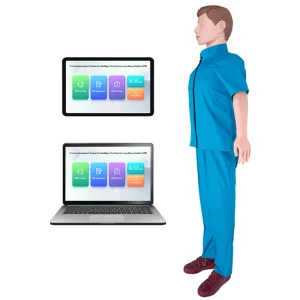
Three modes of cardiopulmonary resuscitation: training, assessment, and scenario. Wireless connection with built-in WiFi module for Android and Windows systems. Capable of HM personalized customization.

  • Advanced Monitoring: Simulated display of electrocardiogram, automatic pupil zoom, voice prompts, and vital signs simulation.
  • Student Management: View student performance via multiple graphical statistics, replay operation processes, store up to 200 historical operation results, and export performance reports.
  • Simulator Features: Real hand feel, uniform skin color, no deformation after disinfection and cleaning, horizontal head rotation of 180 degrees, tilt-back airway, and simulated brachial artery pulsation.

Frequently Asked Questions

What training modes does the CPR simulator support?

The simulator supports three primary operational modes: Training mode, Assessment mode, and Scenario mode, catering to different stages of learning and testing.

How does the simulator provide feedback on chest compressions?

Feedback is provided in multiple ways: through real-time voice prompts (identifying incorrect position, depth, frequency, or incomplete recoil), a dynamic bar display (yellow, green, and red indicator zones), and strip light or LCD counting displays.

Can performance reports be printed or exported?

Yes, print-enabled models support performance reports. Additionally, the software version allows student management systems to view graphical statistics, store up to 200 historical results, and export performance reports.

How are vital signs simulated during operation?

Initially, the simulator pupils are dilated with no carotid pulse. During compression, passive carotid artery pulsation aligns with the compression rate. Upon successful resuscitation, pupils automatically constrict and spontaneous carotid artery pulsation begins.

What operating systems are compatible with the software?

The CPR training software supports both Android and Windows operating systems. The simulator also features a built-in WiFi module for flexible, wireless connections.

What materials are used for the simulator skin and body parts?

The facial, neck, and chest skins are made from environmentally-friendly thermoplastic elastomer composite materials. The design ensures a realistic touch, uniform skin color, and durability without deformation after cleaning and disinfection.
Related Products